Announcement Renan Lourenco · May 15, 2023

Health Data De-Identifier is available through InterSystems' Early Access Program as a way to give you a sneak peek of what we are working on. This document will walk you through how to sign up.

To know more: Health Data De-ID Early Access Program

  1. Access evaluation.intersystems.com. If you already have credentials skip to step 7.

  2. Create an new account by clicking on Register for a new account. image

  3. Fill in all the required information and save. image

  4. You will receive an email with the confirmation and the access token. image

  5. Provide the access token received via email. image

  6. Choose a password. image

  7. Send an email to deidevaluation@intersystems.com requesting access (click on the link for quick access). It is important to request access for the same email you used during the registration process. image

  8. Once you have received confirmation of your enrollment, login to evaluation.intersystems.com and click on Download Early Access Programs. image

  9. Select Health Data De-Identifier. Make sure to read and and accept the Early Access Terms of Service and then click Download All. image

0
0 464
Announcement Renan Lourenco · Feb 28, 2023

We are excited to announce the newest addition to our early access program - the Health Data De-ID tool.

The tool will de-identify structured clinical data according to HIPAA Safe Harbor and allow for re-identification if required. It uses InterSystems’ SDA canonical format which is utilized for all our standard transformation from one format to another such as HL7 to CDA, HL7 to FHIR, etc. While the tool uses XSLT transformations for performance reasons, it provides helper methods that allow for easier adjustment of the out-of-the-box de-identification rules where you don’t need to be an XSLT expert.

image

Health Data De-ID works on any InterSystems product, from InterSystems IRIS for Health to Health Connect to Unified Care Record.

You can join the early access program here - Sign-up for Health Data De-Identifier Early Access Program. We are in need of your feedback so please reach out as you go through the process or run into any questions.

1
0 987
Article Renan Lourenco · Nov 18, 2022 1m read

There are several great articles in the community showing how to use Jupyter and InterSystems IRIS together, and I encourage you to check them out in the link at the end of this article for more in depth understanding.

This is just another one, the difference is on the simplicity. Do you want to just start a container where Jupyter is already connected to an IRIS instance? Then this is for you!

By simply running docker-compose up you already will gain access to a working environment with a couple of examples in it. I don't want to ruin the simplicity so give it a try.

login

More articles: Jupyter+IRIS Articles

2
0 746
Article Renan Lourenco · Jan 12, 2021 2m read

Tiny web application that allows you to anonymize CSV files. Based on InterSystems IRIS®

Version:store/intersystems/iris-community:2020.3.0.221.0

Application

Sample CSV where Date of Birth and Sex will remain untouched, while the rest should be anonymized.

before

The application recognizes the header columns and allows the user to chose which ones to ignore.

demo

After processing.

after

Setup

Make sure you have Docker up and running before starting.

Option 1

Recommended in case you just want to get the application up and running.

docker run --name anonymizer --publish 9091:1972 --publish 9092:52773 rlourenc/iris-csv-anonymizer:1.0

Option 2

Recommended in case you want to play with the source code and twiki it to your taste.

Clone the repository to your desired directory

git clone https://github.com/OneLastTry/iris-csv-anonymizer.git

Once the repository is cloned, execute:

Always make sure you are inside the main directory to execute docker-compose commands.

docker-compose up

Access

You can now access the application via http://localhost:9092/appl/Anonymizer.Web.Application.zen

0
0 334
Article Renan Lourenco · Mar 9, 2020 2m read

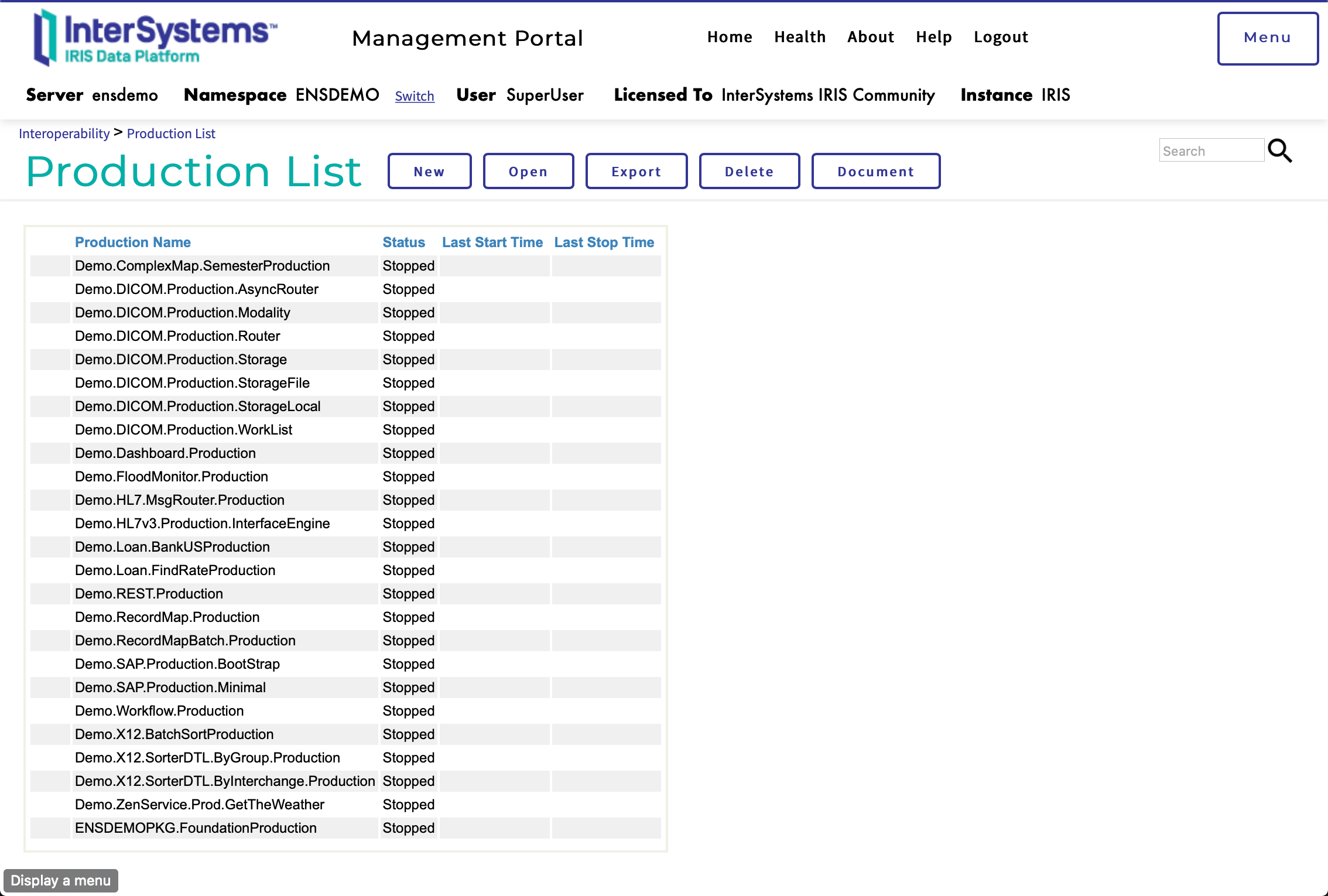
InterSystems IRIS for Health ENSDEMO

Yet another basic setup of ENSDEMO content into InterSystems IRIS for Health.

Make sure you have Docker up and running before starting.

Setup

Clone the repository to your desired directory

git clone https://github.com/OneLastTry/irishealth-ensdemo.git

Once the repository is cloned, execute:

Always make sure you are inside the main directory to execute docker-compose commands.

docker-compose build

Run your Container

After building the image you can simply execute below and you be up and running 🚀:

-d will run the container detached of your command line session

docker-compose up -d

You can now access the manager portal through http://localhost:9092/csp/sys/%25CSP.Portal.Home.zen

  • Username: SuperUser
  • Password: SYS
  • SuperServer port: 9091
  • Web port: 9092
  • Namespace: ENSDEMO

ensdemo

To start a terminal session execute:

docker exec -it ensdemo iris session iris

To start a bash session execute:

docker exec -it ensdemo /bin/bash

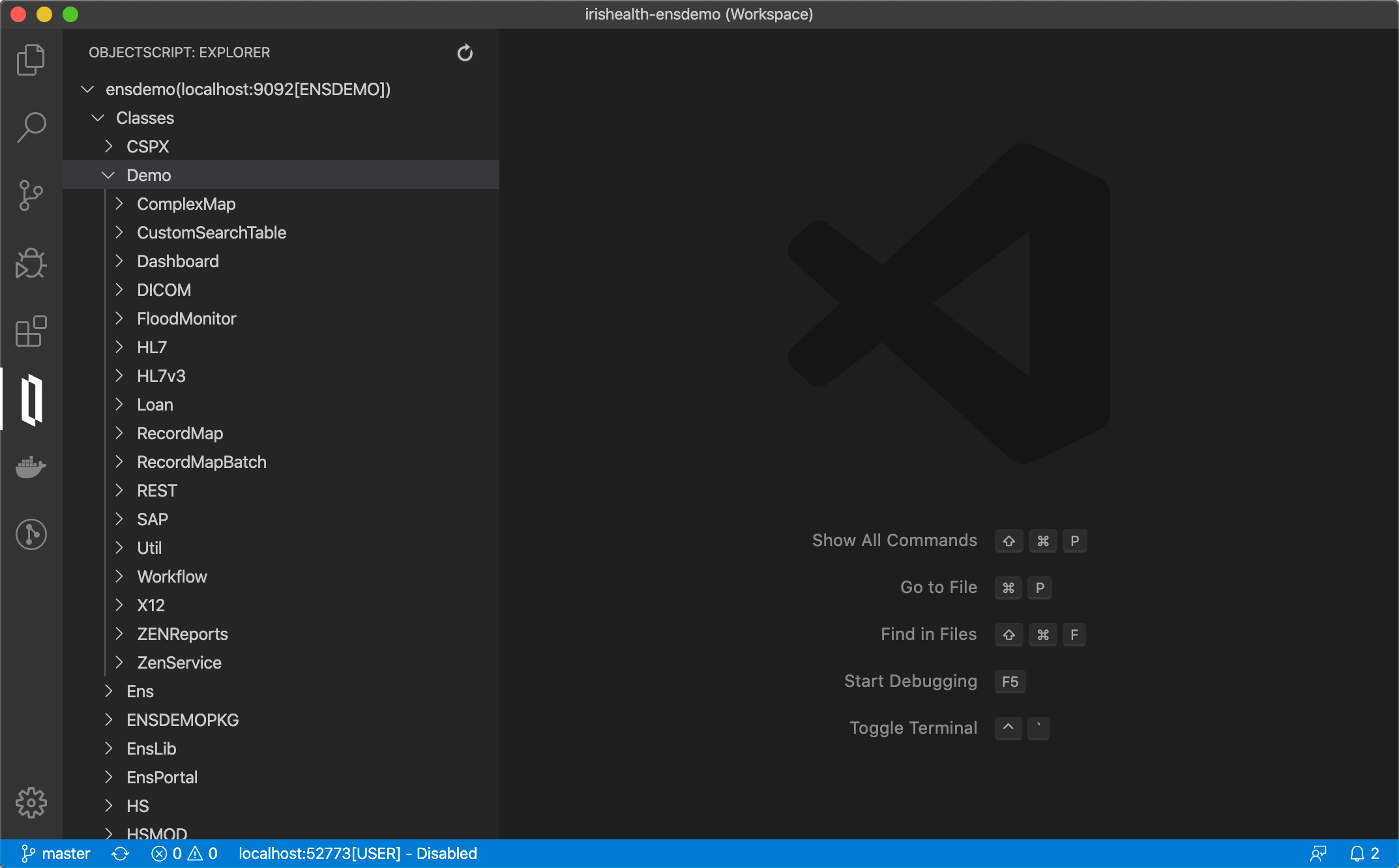
Using InterSystems ObjectScript Visual Studio Code extension, you can access the code straight from vscode

vscode

Stop your Container

docker-compose stop

Support to ZPM

zpm "install irishealth-ensdemo"
14
0 617