ObjectScript for VS Code - Icon doesn't display in VS Code Panel
I'm working with VS Code on Centos 8. When I install the ObjectScript extension the installation succeeds, but the InterSystems icon never appears in the left-side panel. I can change settings for the extension - set the server info, etc. No errors show-up in the VS Code debug log.
UPDATE: the same thing happens on MacOS when using VS Code 1.46.1 and InterSystems ObjectScript extension 0.8.6
Can anyone suggest next steps for me to troubleshoot? Is there another log I should check?
VS Code version:
Version: 1.46.1
Commit: cd9ea6488829f560dc949a8b2fb789f3cdc05f5d
Date: 2020-06-17T21:13:08.304Z
Electron: 7.3.1
Chrome: 78.0.3904.130
Node.js: 12.8.1
V8: 7.8.279.23-electron.0
OS: Linux x64 4.18.0-193.el8.x86_64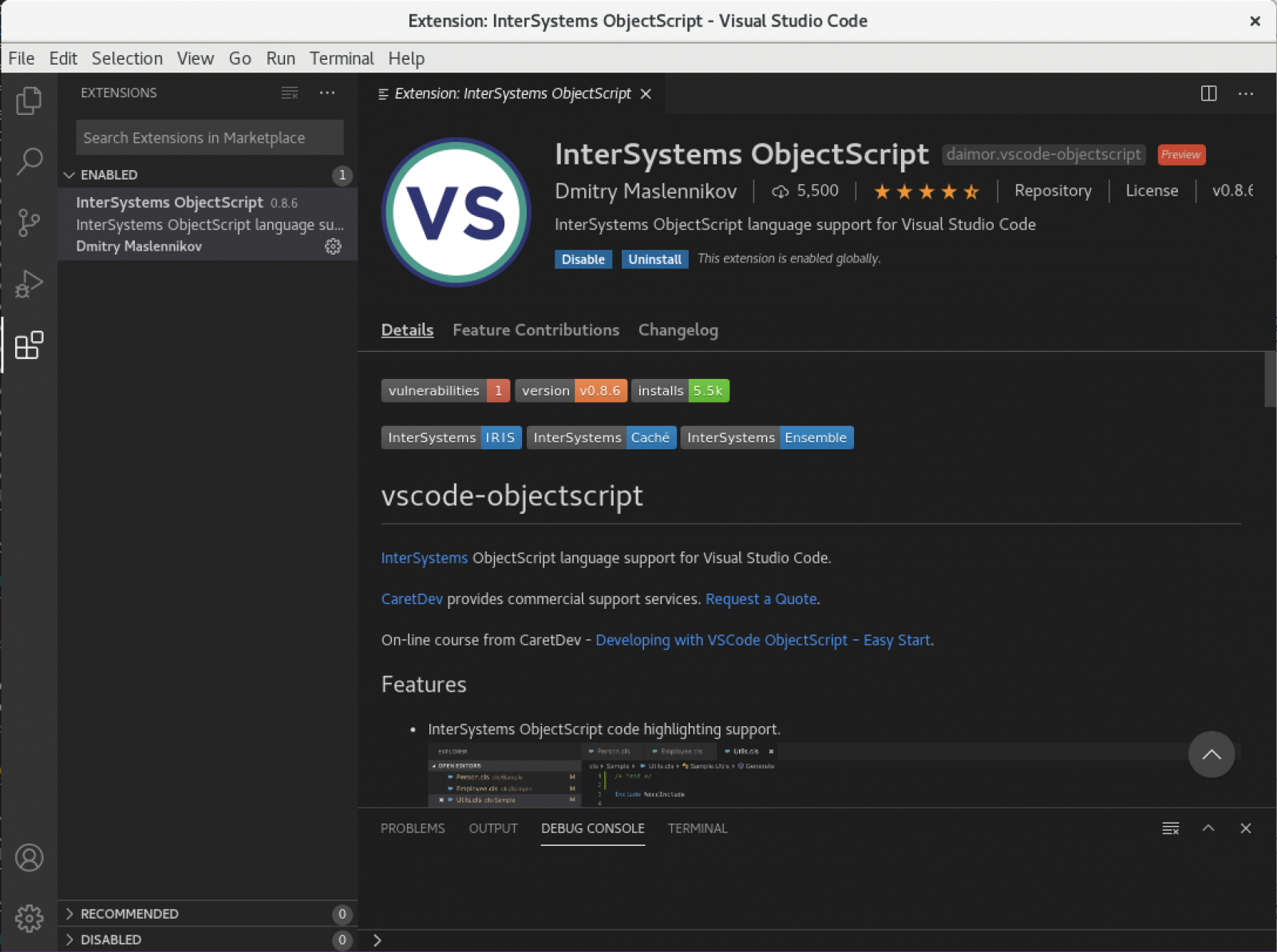
Comments
Hi Marc,
I recently ran into the similar issue. My problem was that I didn't have any folders opened by VS Code, so try File -> Open and then choose a Folder, then click Open.
As Kai, already mentioned, this icon, will appear only if you have any folder opened. Such a folder is a kind of project in VSCode. And, while Server Explorer view, which can be opened available by this icon, is supposed to be as just a server explorer, without editing. So, there are no reasons to make it available until any project will be opened.
Thanks Dmitriy and Kai, that worked.
It would be great to update the instructions on the extension's page to mention this -- anyone starting with a fresh install of VS Code will have this problem. The recent video is missing this step as well.